


Overview
Every Linux administrator interacts with apt-get on a daily basis, yet few step back to examine the subsystem orchestrating software deployment beneath the surface. This technical walkthrough deconstructs the core lifecycle of Ubuntu package management—tracing repository index synchronizations, dependency graph resolutions, binary archive caching, and leftover cleanup through hands-on terminal workflows.
1. Repository Metadata Sync and the Mechanics of apt-get update
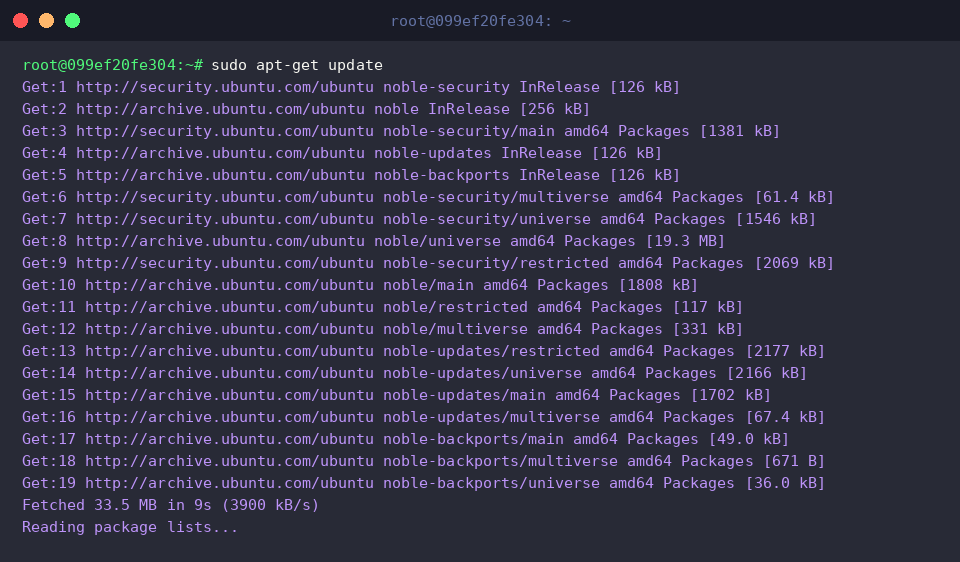
Before pulling software payloads, the local package management engine must locate authoritative package sources and their release components.
Modern installations like Ubuntu 24.04 (Noble Numbat) default to the deb822 configuration syntax located in ubuntu.sources, whereas earlier distributions define repositories through legacy one-line entries in sources.list. Examining these manifests reveals where package lookups originate.
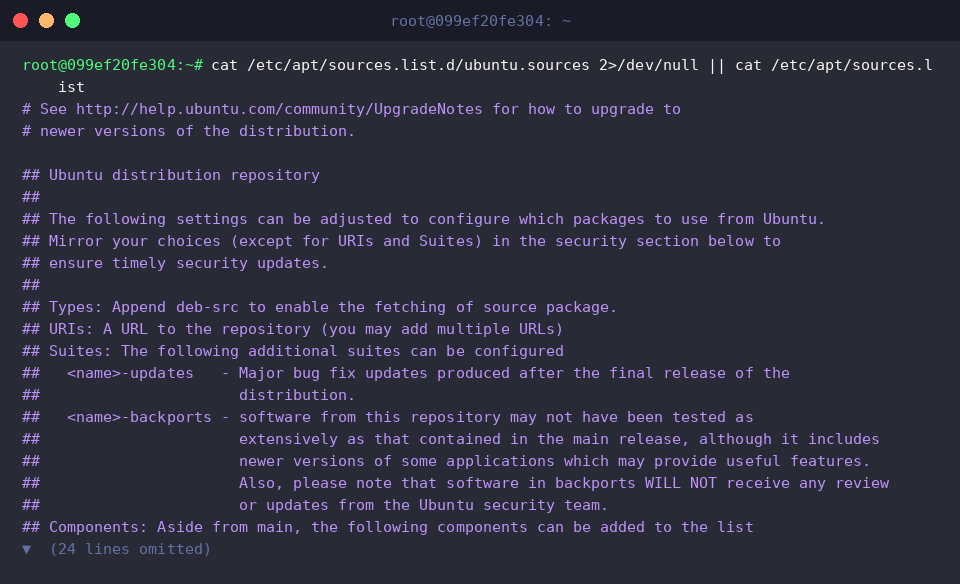
At its architectural core, apt-get acts as Debian and Ubuntu’s frontline utility for installing, upgrading, removing, and resolving dependencies across software packages.
Executing apt-get update establishes network connections to each configured remote mirror, refreshing local copies of package index catalogs without modifying existing binaries on disk.
⚙️ [Essential Command Flags]
-y : Automatically provides positive confirmation to interactive prompts.-s : Performs a dry run to simulate execution without committing filesystem changes.-d : Retrieves requested binary packages into local storage without invoking installation routines.-q : Lowers verbosity output, making unattended log inspection significantly cleaner.--purge : Erases bundled user configuration assets alongside binary executables during package deletion.--fix-broken : Scans the system for broken dependency graphs and attempts automatic repair.
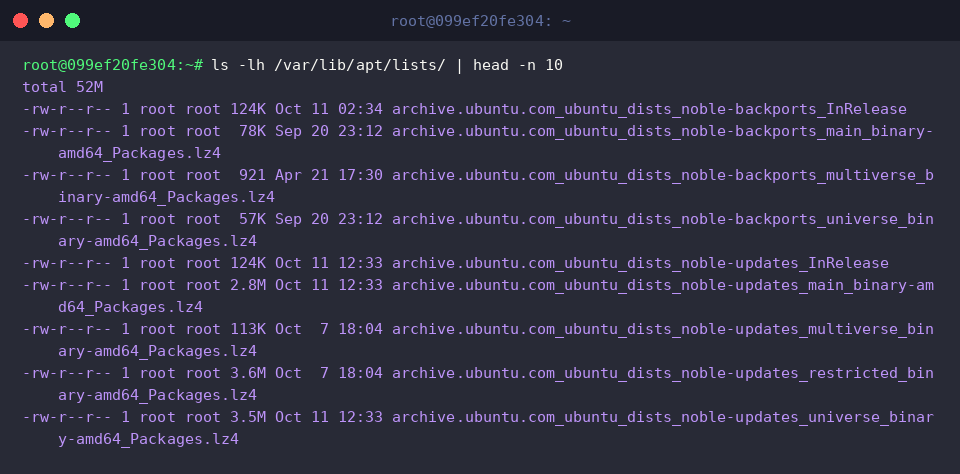
Following metadata retrieval, the fetched package manifests are cataloged inside /var/lib/apt/lists/.
The daemon encodes repository URLs, distribution codenames, and specific components directly into the local filenames, holding compressed metadata trees that power rapid offline searches and dependency audits.
2. Dependency Resolution Trees and Dry-Run Verification (apt-get install)
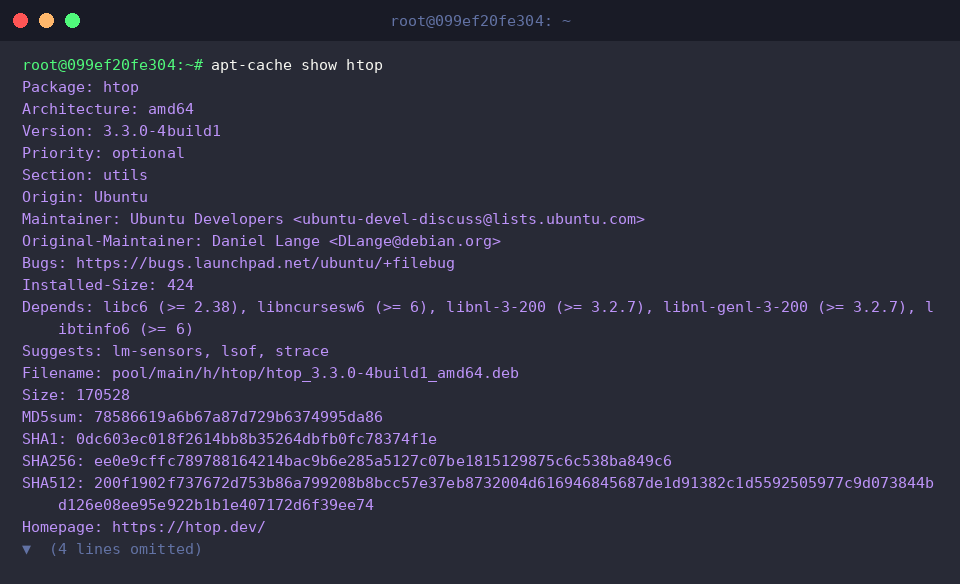
Administrators can inspect specific package attributes ahead of installation using apt-cache show.
Evaluating the target package htop exposes vital technical metadata, including release revisions, architecture targets, and mandatory runtime dependencies outlined in the Depends directive.
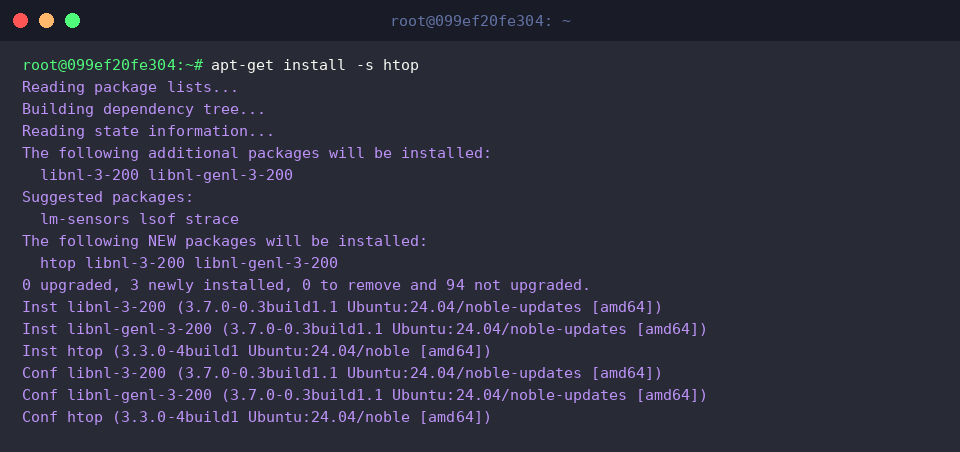
Simulating the rollout via the -s dry-run switch allows safe auditing of the installation footprint prior to making live changes.
The resolution solver traverses the dependency graph, listing all transitive shared libraries scheduled for extraction alongside the primary binary.
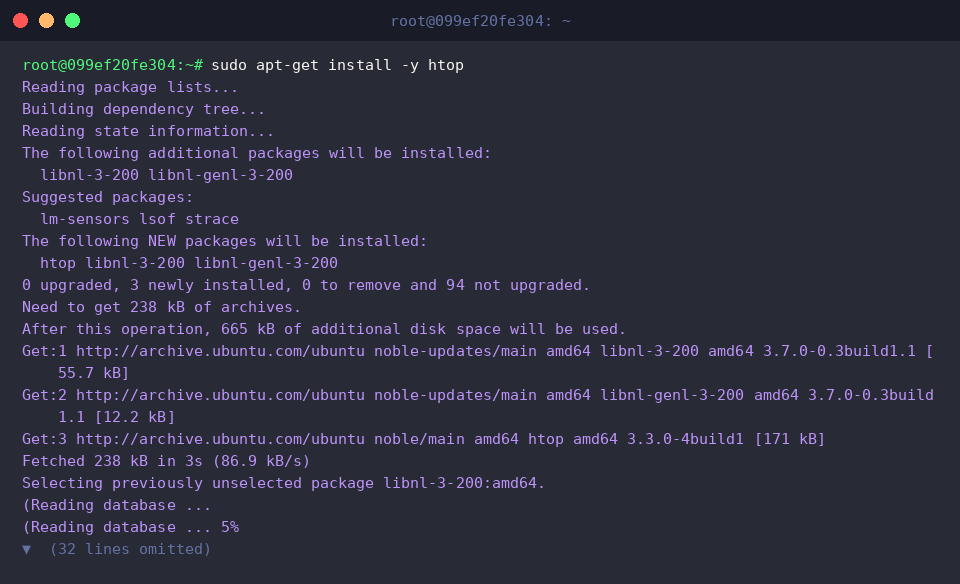
Once satisfied with the dependency manifest, elevating permissions with sudo and supplying the non-interactive confirmation flag -y triggers the actual rollout.
The package engine fetches the required Debian archive payloads over the network, unpacks them via dpkg, and finishes configuring runtime triggers.
3. Package Archive Caching and Disk Space Reclamation (apt-get clean)
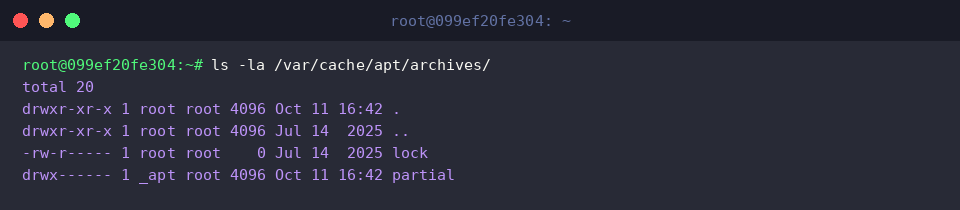
Inspecting /var/cache/apt/archives/ with ls -la /var/cache/apt/archives/ uncovers how Ubuntu stages incoming software before unpacking.
This dedicated storage path houses raw .deb archive payloads, an isolated partial staging folder for active downloads, and an advisory lock descriptor guarding against concurrent cache mutations.
Over extended periods, retained package payloads quietly consume storage capacity. Running sudo apt-get clean flushes this local staging store entirely.
This housekeeping procedure wipes obsolete .deb archives without impacting software currently installed and operating on the host.

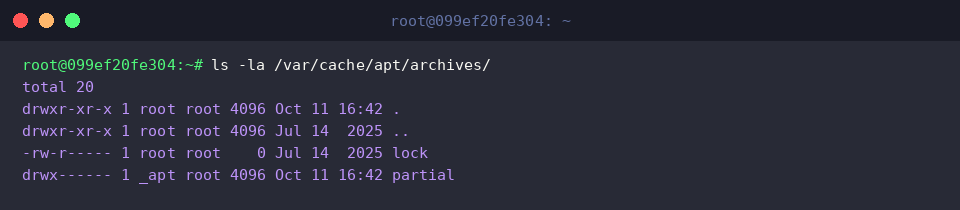
Re-evaluating /var/cache/apt/archives/ verifies the reclamation process.
All cached installer files are gone, leaving only the essential infrastructure nodes: the runtime concurrency lock and the empty partial workspace.
4. Uninstallation Strategies: remove vs autoremove
Invoking sudo apt-get remove -y htop strips the core binary assets of htop from system execution paths.
While application configurations remain intact on the filesystem, helper dependencies pulled in during initial deployment—such as libnl-3-200 and libnl-genl-3-200—are now categorized as orphaned packages since no surviving packages reference them.
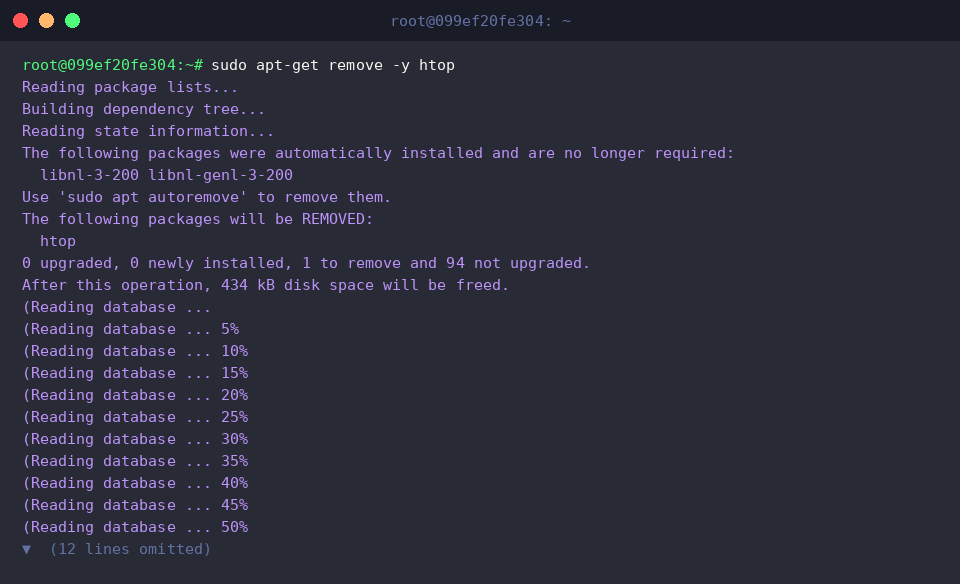
To verify uninstallation, querying the low-level Debian database with dpkg -l | grep htop || echo 'htop removed successfully' provides quick verification.
When the pipeline detects no registered records matching the search query, the fallback shell expression runs, validating that the package is no longer active.

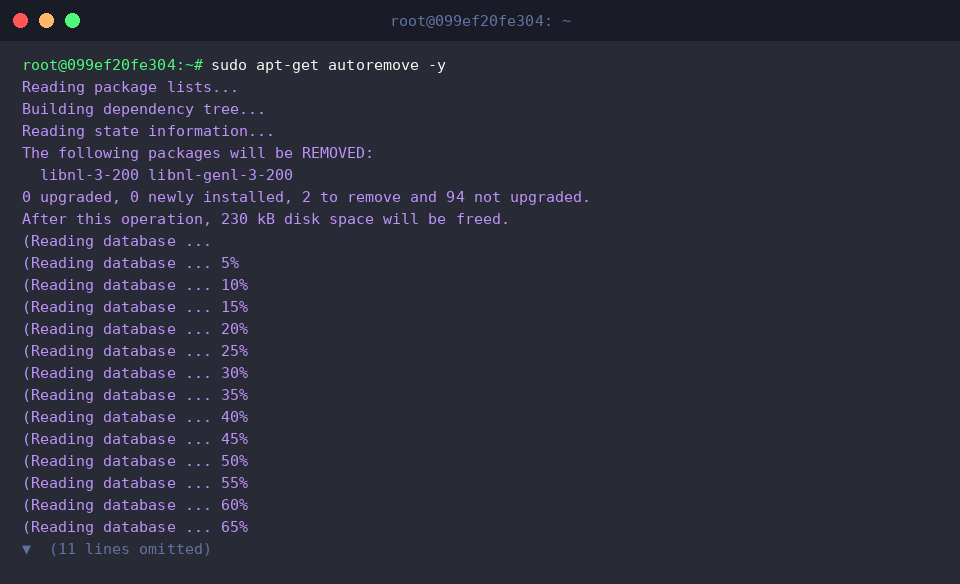
Finally, clearing unneeded dependencies requires running sudo apt-get autoremove -y.
The solver evaluates package flags, identifies orphaned libraries marked with the auto-installed bit, and purges them safely to maintain a lightweight operating environment.
Mastering how apt-get synchronizes repository catalogs, unpacks archives, and tracks dependency states demystifies Linux package management. Leveraging these operational fundamentals enables engineers to diagnose dependency anomalies, reclaim storage, and maintain resilient Ubuntu systems with confidence.