


Overview
When auditing low-level firmware initialization routines or examining legacy data structures on Linux, systems administrators frequently rely on biosdecode. This utility analyzes physical memory spaces where BIOS components publish their descriptors. In this walkthrough, we explore how to install and execute biosdecode, leverage its command-line flags for targeted table extraction, and navigate the architectural limitations encountered on modern UEFI hardware.
Installing biosdecode and Reviewing Core Command Flags
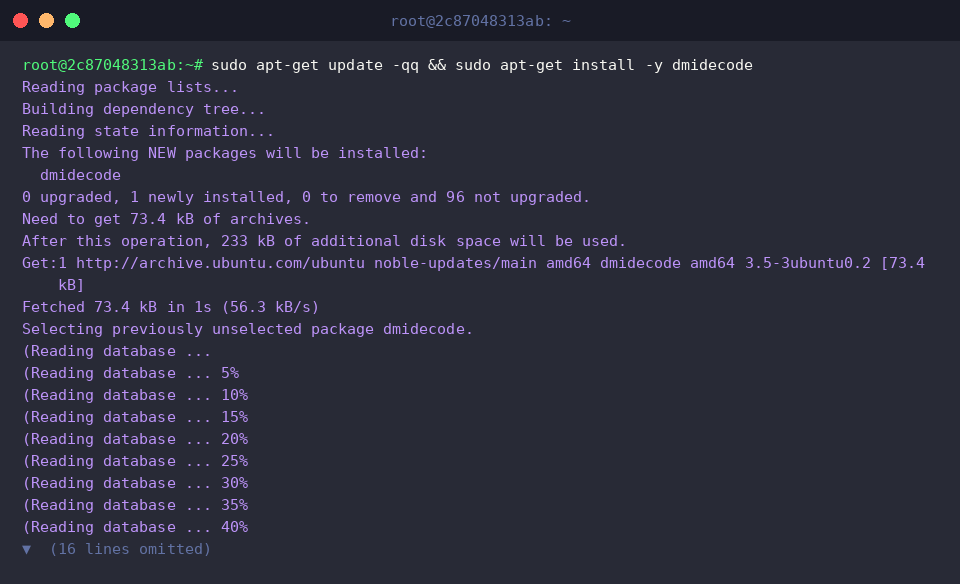
The utility is distributed as part of the standard dmidecode package on Debian-derived systems. Install it using apt-get:
Querying binary metadata with biosdecode --version verifies your active release and confirms that the binary is ready for execution:
⚙️ [Key Command Options]
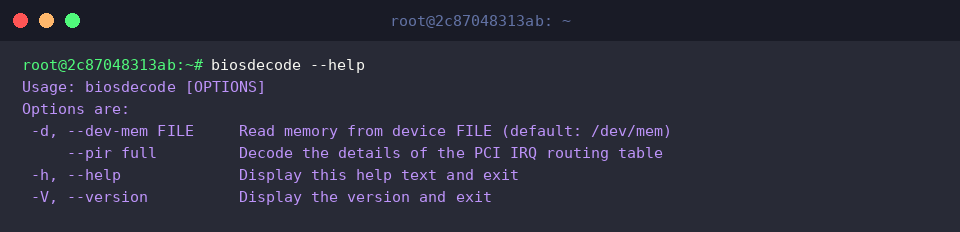
-d, --dev-mem : Ingests binary data from an external memory dump image instead of scanning /dev/mem directly.--pir full : Decodes the complete structure of PCI IRQ routing descriptors with full verbosity.-h, --help : Displays a summary of runtime options along with syntax documentation.-V, --version : Prints version details and terminates immediately.

Running biosdecode --help displays all available flags and general parameter usage directly within the shell:
Parsing Physical Memory for BIOS and ACPI Descriptors
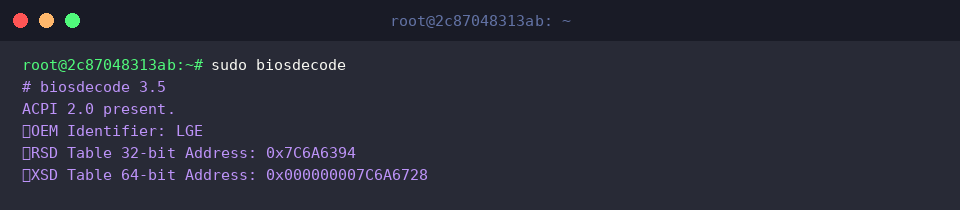
Invoking sudo biosdecode grants elevated privileges required to scan physical memory ranges directly for recognized legacy firmware signatures.
The parsed output identifies active ACPI 2.0 tables, exposing key manufacturer metadata (OEM Identifier) alongside 32-bit and 64-bit Root System Description Pointer (RSDP) memory offsets.
Decoding PCI IRQ Routing (PIR) Table Descriptors
The sudo biosdecode --pir command instructs the parser to isolate and inspect legacy PCI Interrupt Routing (PIR) tables exclusively.
On modern x86 hardware, running this command yields empty output because contemporary chipsets allocate interrupts via APIC and ACPI tables rather than legacy PIR mechanisms.

Navigating UEFI Limitations and Choosing dmidecode as a Modern Alternative
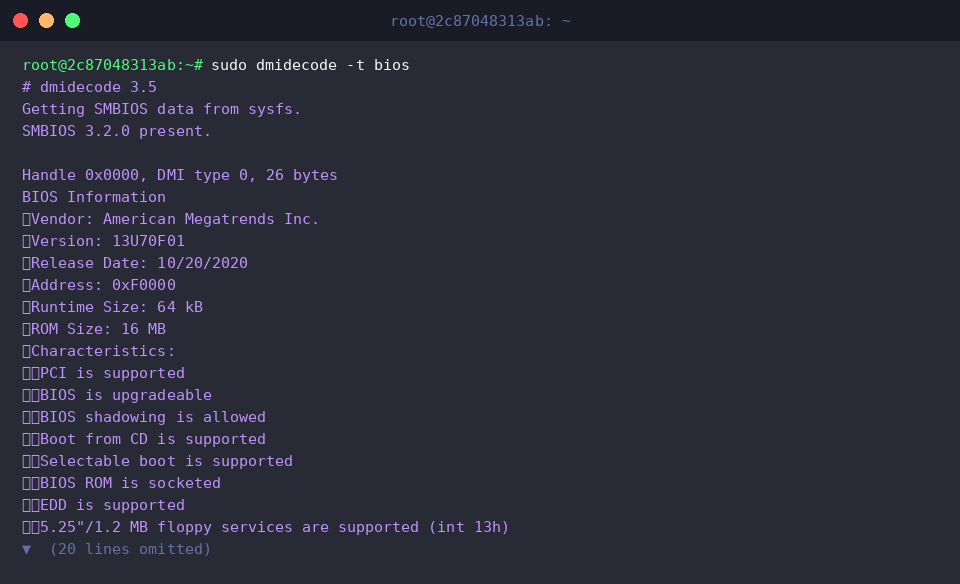
The sudo dmidecode -t bios command extracts SMBIOS Type 0 records to deliver granular firmware specifications.
Unlike biosdecode, which inspects raw physical memory regions often restricted by kernel security policies (CONFIG_STRICT_DEVMEM) or absent on UEFI setups, dmidecode safely interfaces with sysfs. This guarantees reliable extraction of firmware vendor identifiers, version numbers, build release dates, and hardware feature flags across modern environments.
Understanding the operational differences between raw memory parsers and SMBIOS decoders ensures reliable hardware auditing across both legacy and contemporary Linux deployments. Combine these tools when building low-level hardware diagnostics or auditing firmware integrity.