


Overview
Encountering a damaged compressed archive in Linux can lead to critical data loss if the proper recovery tools are not utilized. Because bzip2 processes data streams into discrete chunks, an unexpected bit error or truncation issue does not necessarily render the entire payload unreadable. This walkthrough demonstrates the mechanics behind bzip2recover, guiding you through real-world triage: deliberately isolating undamaged blocks from a corrupted archive and salvaging as much original payload as possible.
1. Environment Setup and Crafting a Multi-Block bzip2 Archive
Before testing the recovery workflow, confirm that the necessary utilities are deployed by synchronizing local repository metadata and installing the bzip2 package suite.
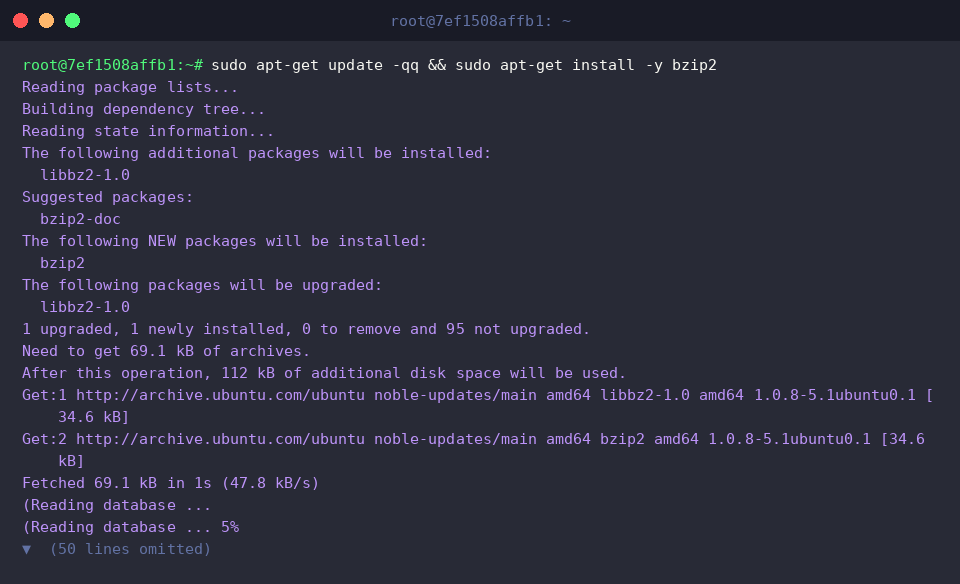
To keep test artifacts contained and avoid cluttering existing project directories, establish an isolated sandbox workspace and switch into it.

Next, generate an uncompressed dummy payload. Generating 2MB of random base64 data provides adequate volume to span multiple compression blocks.

At its core, bzip2 organizes data into individual compression frames using the Burrows-Wheeler transform. To make our salvage demonstration realistic, we compress sample_data.txt with the -1 flag, enforcing the tightest 100KB block boundaries to produce multiple internal segments.
⚙️ [Key Options]
-k : Keeps (does not erase) the source input file after processing.-1 ~ -9 : Sets block allocation sizes ranging from 100KB up to 900KB.-d : Decompresses archives back into their standard uncompressed state.-t : Performs an end-to-end integrity audit without extracting contents to disk.-v : Displays detailed metrics regarding processing status and compression ratios.-f : Forces overwriting when encountering pre-existing destination targets.

Inspect the sandbox directory to verify that both the raw file and its compressed .bz2 counterpart are properly allocated on disk.

2. Simulating Archive Corruption and Detecting CRC Errors
Ensure your terminal session remains focused inside the dedicated working directory before proceeding.

To safeguard the original compressed file for reference checks later, duplicate sample_data.txt.bz2 into a separate working copy labeled corrupted_data.bz2.

Now, introduce intentional sector-level bit corruption into the archive. Utilizing dd, overwrite a 64-byte segment at offset 10240 with random noise, mimicking real-world disk corruption or transmission drops.

Run an integrity check on corrupted_data.bz2 with verbose reporting enabled. The command scans through the file and flags where CRC mismatches occur, highlighting archive degradation.

3. Extracting Intact Blocks via bzip2recover
Re-verify your location within the ~/bzip2_demo workspace directory before initiating the data extraction process.

Standard decompression utilities abort immediately upon encountering bad sectors, but bzip2recover operates differently. It parses bit-patterns to find 48-bit block magic boundaries, carving out each recognized segment into a standalone archive prefixed with rec*. Execute the tool against corrupted_data.bz2 to isolate all viable chunks.

Review the output files generated by the recovery utility to inspect the partitioned block archives.

4. Validating Salvaged Blocks and Rebuilding the Stream
Navigate into ~/bzip2_demo once more to prepare for testing and reassembling the extracted blocks.

Iterate through every extracted rec* block using bzip2 -t to determine which individual segments passed their CRC checks unscathed. Any block that suffered bit flips will fail, whereas all uncorrupted segments return an OK status.
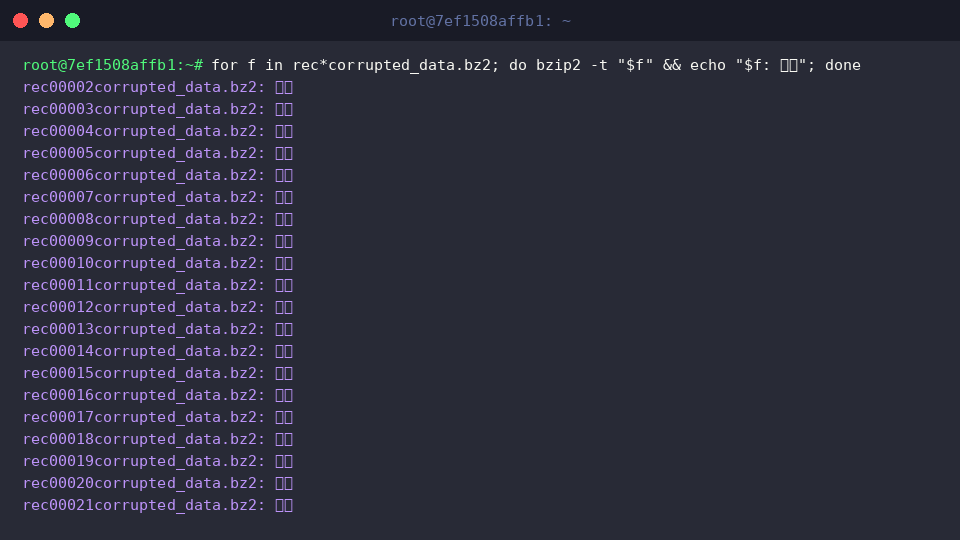
With healthy blocks identified, unpack each valid partition sequentially using bzip2 -dc and append its standard output stream directly into recovered_data.txt, discarding non-zero exits from corrupted segments.

Finally, compare file sizes between the intact baseline sample_data.txt and the reconstructed recovered_data.txt to assess the overall recovery yield.

You now have a reliable recovery pipeline for handling corrupted bzip2 archives in Ubuntu environments. Whenever data corruption strikes a mission-critical compressed file, applying this block-level salvage workflow ensures you can extract and rescue the maximum amount of usable information.