


Overview
Decompressing massive .bz2 log archives on Linux systems incurs unnecessary disk overhead and consumes valuable time during incident investigations. With bzless, systems engineers can page through compressed text files directly in memory without writing uncompressed data back to disk. This tutorial walks through real-world log inspection using bzless, covering setup, essential pager controls, contextual searches, and comparisons with companion utilities like bzcat and bzgrep.
1. Setting Up bzip2 and Generating Sample Archives
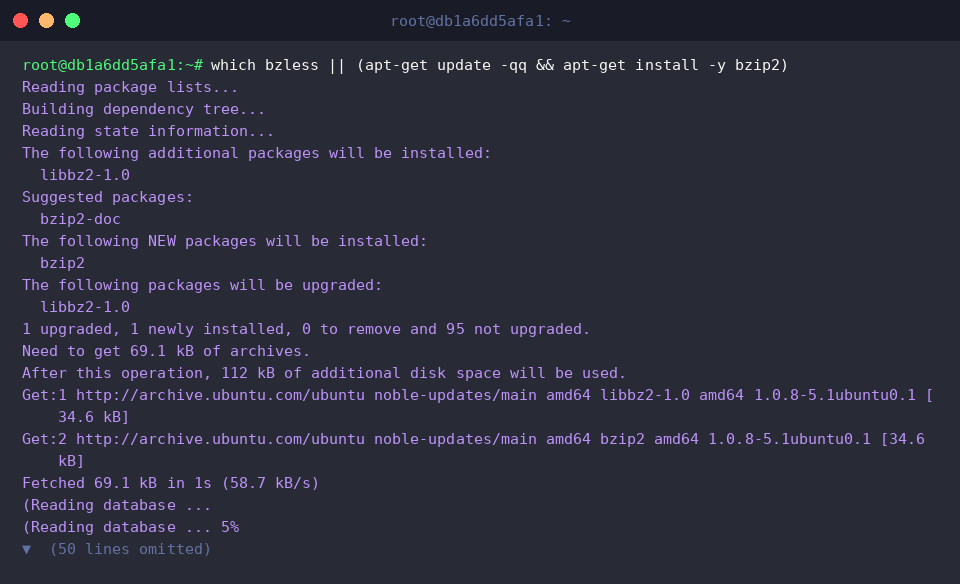
Before exploring compressed streams, verify that the required binaries are accessible in your environment, pulling in the bzip2 package when absent.
To simulate typical production diagnostic data, generate a synthetic multi-line application log named app_server.log with varying severity levels via echo.

Next, compress this diagnostic file using bzip2 -k app_server.log. The -k flag ensures the original plain-text source remains intact alongside the new archive.

Confirm that the archive was written successfully and inspect its metadata using ls -lh app_server.log.bz2.

2. Reading Archive Contents On the Fly with bzless
Opening an archive directly with bzless app_server.log.bz2 pipes the decompressed stream into a terminal pager without creating intermediate files.
Because it uses less behind the scenes, you can scroll smoothly using the arrow keys or the Spacebar, and terminate the session at any moment by pressing q.

3. Navigating with Line Numbers and Search Patterns
When troubleshooting timestamped events across long traces, invoke bzless -N app_server.log.bz2 to prefix each line with its ordinal line number.
The -N option renders line indices in the left margin, making it straightforward to pinpoint stack traces or correlate incidents with monitoring alerts.
Inside the viewer, trigger quick searches by typing / followed by your target string (such as /ERROR). Cycle forward through matched terms using n, or step backward with N.

4. Production Workflows: Comparing bzless, bzgrep, and bzcat
When interactive browsing is unnecessary and you only need matching log entries, run bzgrep "ERROR" app_server.log.bz2 to stream matching lines straight to your terminal.
This approach isolates anomalies instantly without loading the full contents of large archives into memory.

Alternatively, bzcat app_server.log.bz2 | head -n 2 decodes the file straight into standard output, allowing utilities like head to grab only the leading entries.
While bzless provides an interactive UI for human exploration, bzcat emits raw text streams ideal for pipeline automation with standard Unix filters such as head, awk, and sed.

Taking advantage of bzless and its sibling utilities eliminates the friction of unpacking .bz2 bundles on Ubuntu. Incorporating these commands into your day-to-day workflow saves storage footprint and dramatically accelerates log triage in production environments.