


Overview
Visualizing cyclical operations and closed-loop network architectures demands a specialized layout algorithm that naturally accentuates radial symmetry. Within the Graphviz ecosystem, the circo engine excels at mapping recurrent relations into balanced circular topologies. This guide covers practical circo workflows, output rendering across vector (SVG) and raster (PNG) formats, node spacing optimization, and typography fixes for non-Latin character sets.
Installing Graphviz and Rendering Basic Circular Topologies
Deploy the core Graphviz binaries onto an Ubuntu environment using the APT package manager:
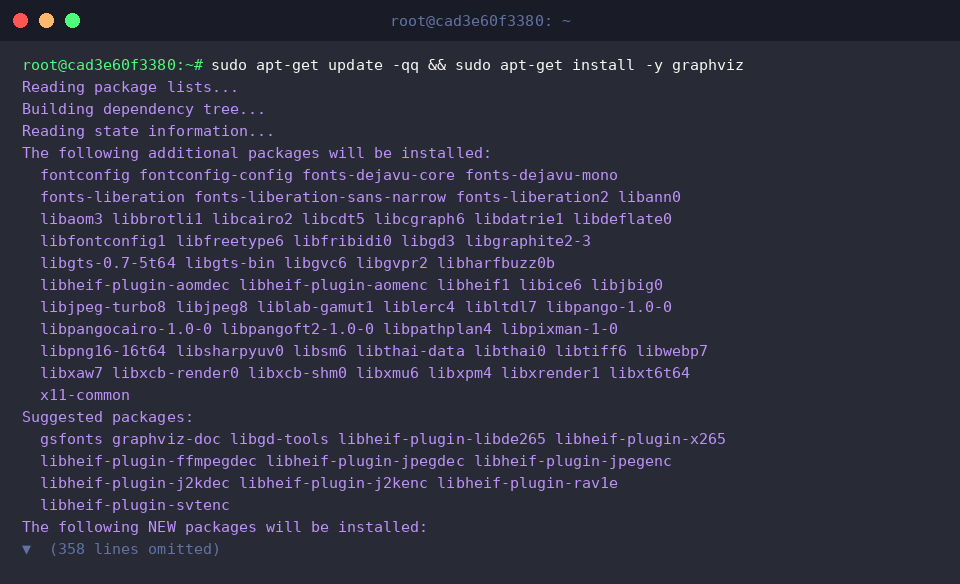
Bundled alongside layout utilities like dot and neato, circo implements a circular placement algorithm designed specifically for ring architectures and symmetrically clustered nodes. Invoking the binary with -V verifies the installed release:
⚙️ [Key Command Flags]
-T<format> : Sets the target export format (such as png, svg, or pdf).-o <file> : Designates the destination path for the rendered graphic.-O : Generates an output artifact matching the input name appended with the format extension.-V : Displays the installed Graphviz engine build and version string.-v : Turns on verbose telemetry during graph layout calculation and rendering.-G<name>=<val> : Overrides root graph-level attributes directly from the shell.-N<name>=<val> : Declares global node styling attributes on the fly.-E<name>=<val> : Defines global edge attributes from the command line.

To demonstrate standard circular rendering, define a four-node undirected ring network inside sample_ring.dot:
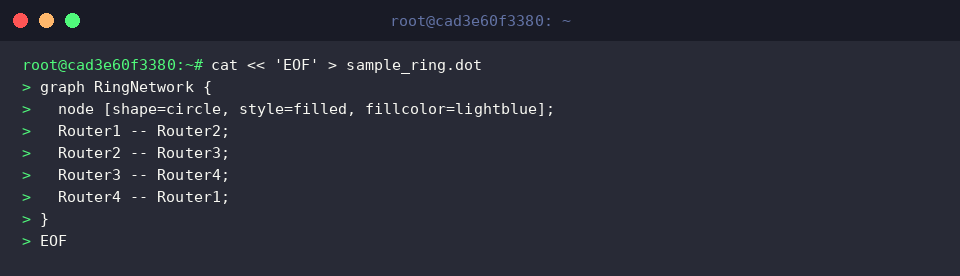
Execute circo against sample_ring.dot to compile the radial graph into a PNG graphic, then check the generated file using ls -lh:
The -Tpng flag instructs the engine to produce raster output, while -o designates the target filename.

Mapping Directed Workflows to Scalable Vector Graphics (SVG)
Continuous engineering cycles—such as software release pipelines—are best modeled using directed graphs (digraph). Store an end-to-end cyclical workflow from planning to monitoring in workflow_cycle.dot:
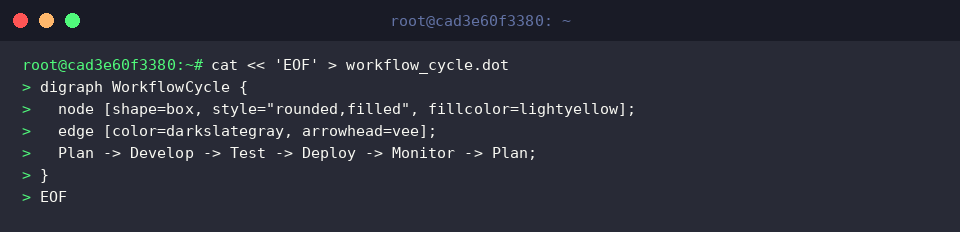
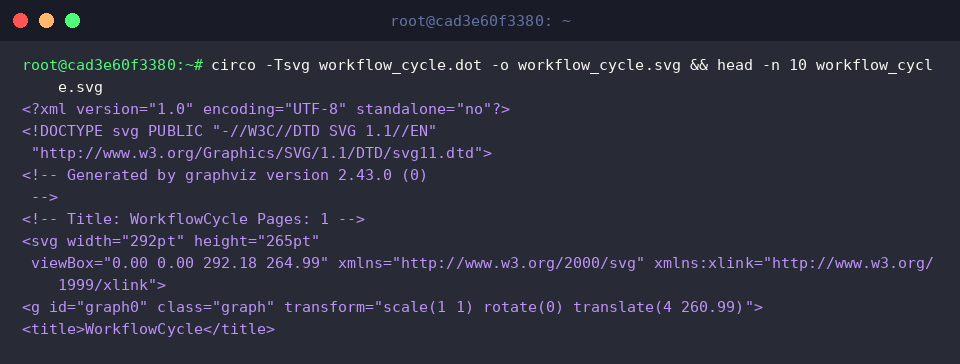
Render workflow_cycle.dot into an SVG vector graphic for lossless scaling, then inspect the top ten lines of output using head:
Specifying -Tsvg outputs clean XML containing <svg> root elements and mathematically defined vector paths, guaranteeing sharp visualization across high-resolution displays.
Controlling Node Distances (mindist) and Centering Root Nodes
When illustrating composite architectures—such as a central controller orchestrating a peripheral peer cluster—graph readability depends on fine-tuning spacing. Populate star_ring.dot with a custom mindist separation attribute and master-worker connections:
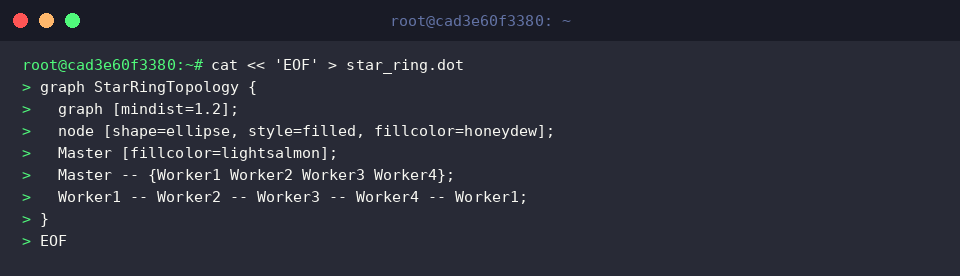
Process the file using circo with -Groot=Master to anchor the orchestrator dead-center, then check the file metadata using file:
The -Groot flag binds a designated hub to the origin of the circle, preventing layout skew and making hybrid star-ring structures immediately readable.

Handling Non-Latin Glyphs and Scaling Large Graphs
Rendering Korean or other CJK scripts requires system fonts that prevent empty rectangle placeholders (“tofu” artifacts). Install the fonts-nanum package to provide complete glyph coverage:
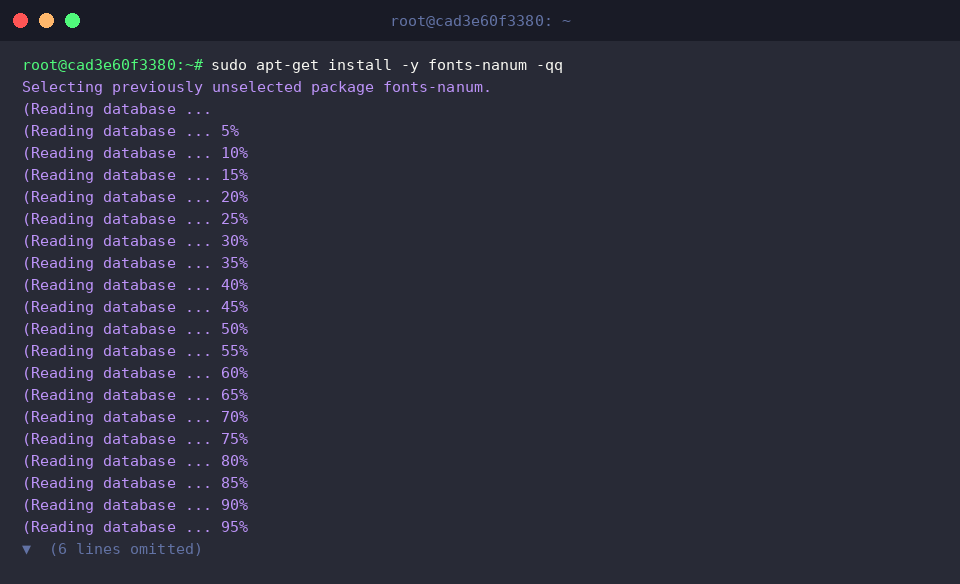
Create korean_cycle.dot, explicitly declaring fontname="NanumGothic" across graph, node, and edge definitions:
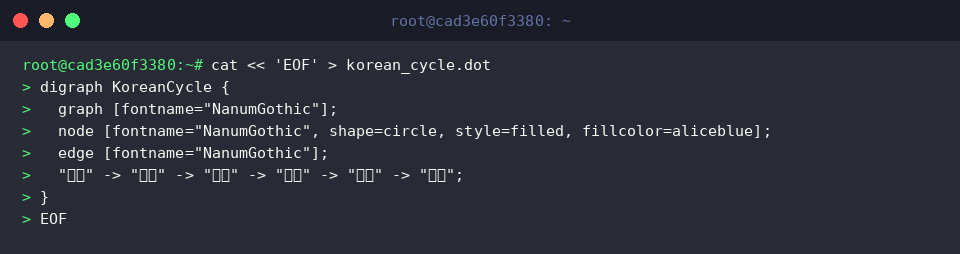
Compile korean_cycle.dot into korean_cycle.png and verify the output using ls -lh:
The configured typeface binds seamlessly, yielding a crisp 25KB graphic free of font distortion.
As graph complexity grows, radial layouts can develop tangled connection lines slicing through the center. To maintain clarity in high-density graphs, increase separation with the mindist parameter or partition related subsystems into distinct subgraphs.

Graphviz’s circo engine delivers a dependable way to turn cyclic relationships and ring architectures into polished, balanced visuals. Apply these options and layout tweaks to construct clear diagrams for complex, loop-driven systems.