


Overview
Working in shell sessions often leaves behind sensitive credentials, API keys, or sheer visual clutter. Standard screen-clearing utilities only shift visible output upward, leaving your scrollback history completely accessible to anyone with physical or remote access to the terminal. In this walkthrough, we explore clear_console—a specialized utility designed to wipe both the active viewport and the scrollback buffer clean. We will cover installing its parent kbd package, comparing its behavior against standard utilities like clear and reset, and configuring automated cleanup routines upon session termination.
Setting Up the Environment and Installing the kbd Package
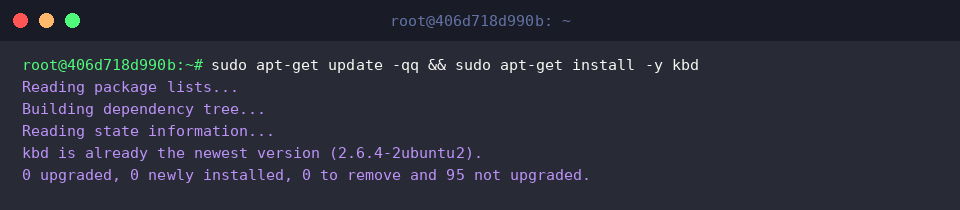
On Debian and Ubuntu systems, clear_console is distributed as part of the core Linux console management tools bundled in kbd. Refresh the local repository index and pull down the package:
Verify that the binary has been placed in your system’s execution path using which clear_console:

Unlike standard terminal helpers, clear_console interacts directly with Linux virtual consoles to purge cached display memory and wipe all scrollback buffers. Inspect the installed tool information and available manual references:
⚙️ [Key Options]
-q : Executes the console wipe silently, suppressing diagnostic warnings or error output.

Hands-On Terminal Sanitization with clear_console
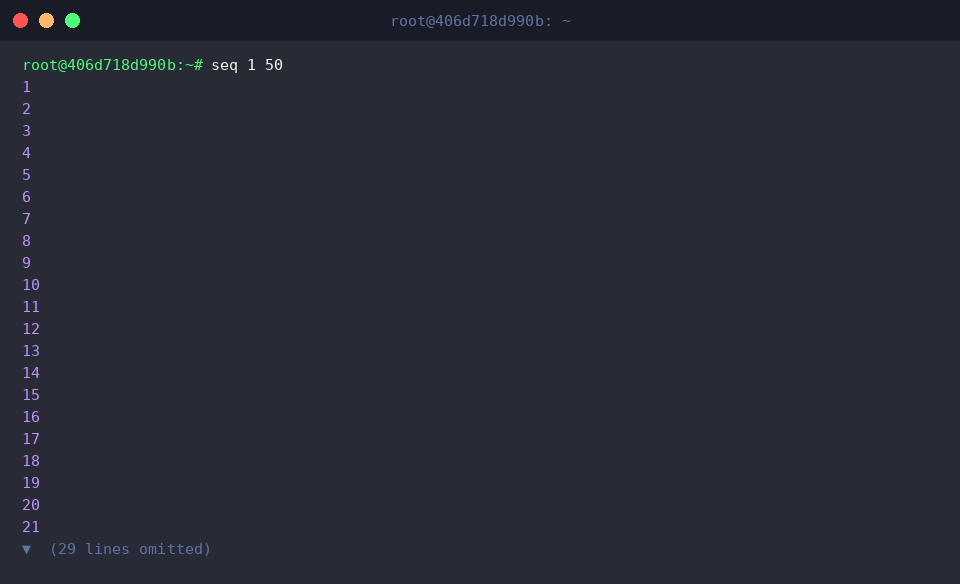
To test how effectively this command purges cached text, populate your terminal window by generating a sequence of numbers from 1 to 50 with seq 1 50:
Now, trigger clear_console to flush the output:
Notice the immediate difference: rather than merely shifting output out of sight, the entire display buffer collapses back into a pristine, zero-history prompt. Scrolling upward reveals no lingering lines from earlier tasks.

Comparing clear, clear_console, and reset
To understand why these commands are not interchangeable, let us observe their distinct mechanisms side by side. First, print a label marking a basic screen clearance test using echo '=== 단순 화면 비우기 테스트 ===':

Execute clear to clean the current view:
While your visible screen looks empty, clear merely injects ANSI escape codes that push text above the viewport. A quick mouse scroll reveals the entire previous session intact.

Next, mark the test for state reinitialization with echo '=== 터미널 드라이버 및 버퍼 초기화 테스트 ===':

Invoke reset to reinitialize the terminal driver:
Where clear handles visual placement and clear_console wipes scrollback buffers, reset reconstructs the terminal’s operational state. It restores corrupted line disciplines, re-enables keyboard echo, and resets malfunctioning terminfo capabilities back to safe defaults.

Production Tip: Automating Terminal Sanitization on Logout
Shared workstations and multi-user servers risk exposing residual terminal outputs when engineers disconnect without wiping their sessions. You can guarantee automated cleanup by embedding the routine into your shell logout trigger. Begin by ensuring your user logout configuration exists via touch ~/.bash_logout:

Append the wipe instruction idempotently, ensuring you avoid duplicated configuration lines with grep -q 'clear_console' ~/.bash_logout || echo 'clear_console' >> ~/.bash_logout:

Confirm that the directive was appended properly using tail -n 5 ~/.bash_logout:

Whenever you conclude an interactive session or exit an SSH prompt, the shell will now systematically purge the terminal display and scrollback buffer, ensuring no sensitive tokens, query results, or logs remain visible to subsequent users. Integrating clear_console into your terminal workflows provides a simple, robust layer of visual security and operational cleanliness across all your Linux systems.