


Overview
When automating tasks or launching desktop-oriented utilities over SSH and in headless server environments, applications frequently crash due to the absence of an active D-Bus user session. This guide explores how dbus-run-session circumvents this limitation. We will walk through spinning up self-contained session buses on demand, verifying inter-process communication, and safely handling process lifecycles within automated shell pipelines.
Inspecting Session Bus Variables and dbus-run-session Mechanics
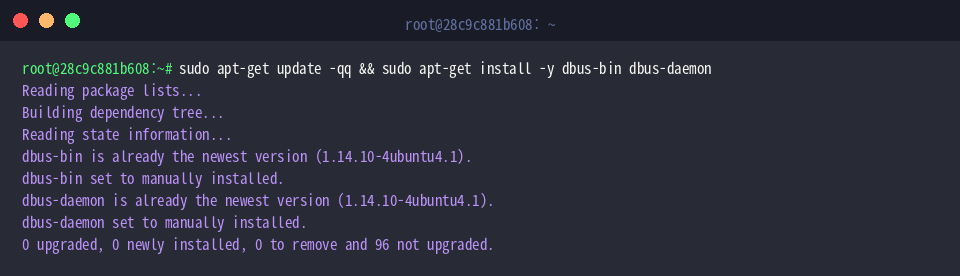
Make sure the required utilities are present on your machine by provisioning dbus-bin alongside dbus-daemon:
Under standard desktop logins, the display manager initializes a session bus automatically. To demonstrate what happens on a bare terminal or SSH session, query the DBUS_SESSION_BUS_ADDRESS variable:
An empty return confirms that no active session bus is bound to the current shell context.

This is where dbus-run-session proves indispensable: it spawns a standalone dbus-daemon instance, exposes a fresh DBUS_SESSION_BUS_ADDRESS to child processes, and guarantees seamless daemon teardown once execution finishes.
Executing printenv DBUS_SESSION_BUS_ADDRESS under the wrapper reveals the dynamically created UNIX domain socket path and unique GUID:
⚙️ [Core Options]
--config-file=FILENAME : Specifies an alternative configuration profile instead of the system default.--dbus-daemon=BINARY : Overrides the default executable path for launching dbus-daemon.-- : Signals the boundary between wrapper flags and the command payload to be executed.--help : Displays command usage summary and available switches.--version : Prints version and build metadata.

Managing gsettings Configurations in Headless and SSH Setups
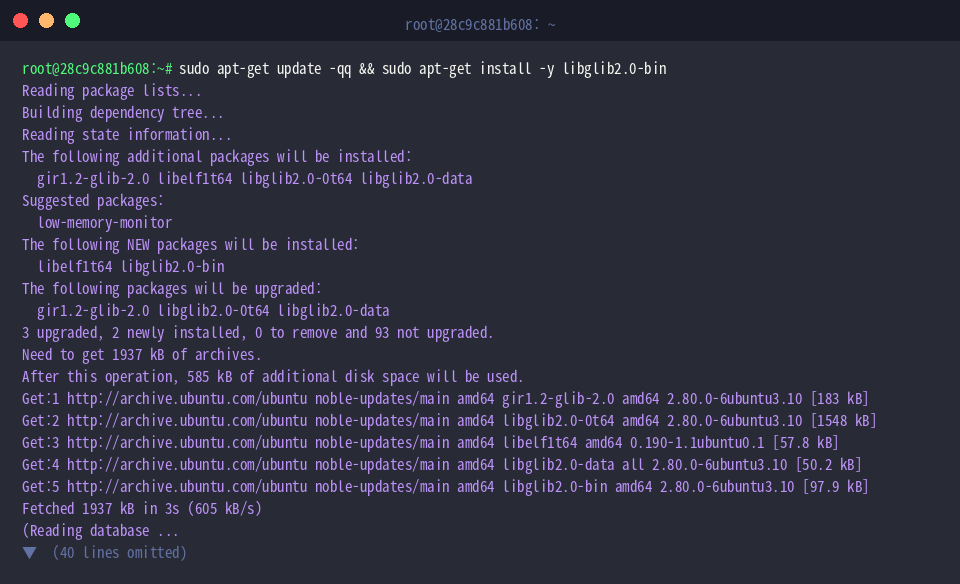
To work with GNOME preferences and schema queries via the command line, install the libglib2.0-bin package:
Many desktop-oriented configuration backends rely on active IPC to retrieve schemas. Wrapping gsettings list-schemas with dbus-run-session allows administrators to query registered schemas effortlessly, bypassing D-Bus connection dropouts entirely even in purely headless setups:

Similarly, reading specific schema keys works without friction. Evaluating gsettings get org.gnome.desktop.interface color-scheme retrieves the active UI style preferences:
Even across a lightweight SSH shell devoid of desktop daemons, the configuration values resolve reliably via the ephemeral bus.

Testing Bus Communication and Invoking Services with dbus-send
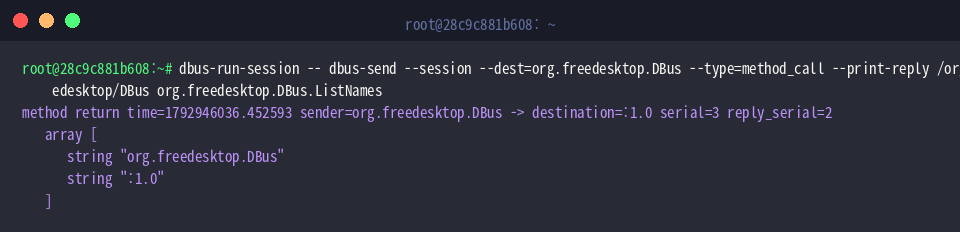
We can validate internal bus messaging directly using dbus-send by invoking the ListNames method on the daemon:
Inspecting the reply confirms that both the foundational bus service (org.freedesktop.DBus) and the caller’s unique assigned connection handle (:1.0) are active and ready for IPC exchanges.
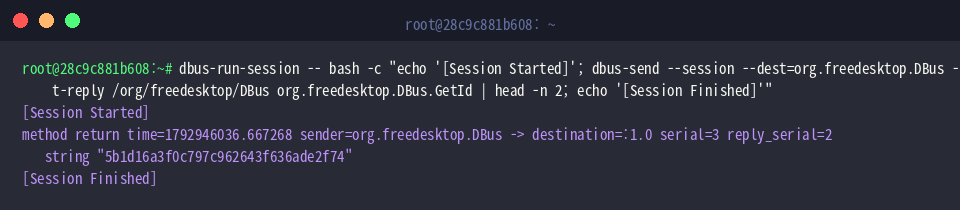
To further inspect bus attributes, dispatch a GetId method call targeting the root bus object:
The daemon responds with its distinct hex identifier string, proving that request-response message cycles operate flawlessly throughout the temporary bus session.

Running Subshell Pipelines and Managing Process Lifecycles
When automating complex workflows involving pipelines, redirection, or chained statements, wrap the entire invocation inside a bash -c subshell.
This guarantees that multi-stage processing runs completely inside the temporary bus boundaries, and once the child shell terminates, the background bus daemon is reclaimed cleanly without leaving orphaned processes:
Verify proper termination by inspecting the standard $? exit status variable:
Receiving a clean exit status of 0 indicates that the nested task finished smoothly and the session lifecycle was torn down without anomalies.

Understanding how dbus-run-session manages temporary IPC boundaries empowers engineers to run D-Bus dependent tools reliably across Ubuntu servers and remote automation scripts. Leverage these techniques to eliminate missing session bus errors whenever you deploy non-interactive CLI workflows.