


Overview & Architecture
D-Bus forms the operational backbone of modern Linux inter-process communication (IPC), mediating conversations between system daemons, hardware abstraction layers, and user applications. While traditional documentation often buries administrators under dense specification sheets, the command-line utility dbus-send offers a direct gateway to dispatch messages, query live system services, and manipulate remote endpoints from any shell session. This walkthrough cuts through theoretical clutter to deliver actionable techniques for inspecting system buses, extracting live daemon properties, and executing remote procedures in real-time environments.
Verifying D-Bus Prerequisites and Enumerating Active Bus Names
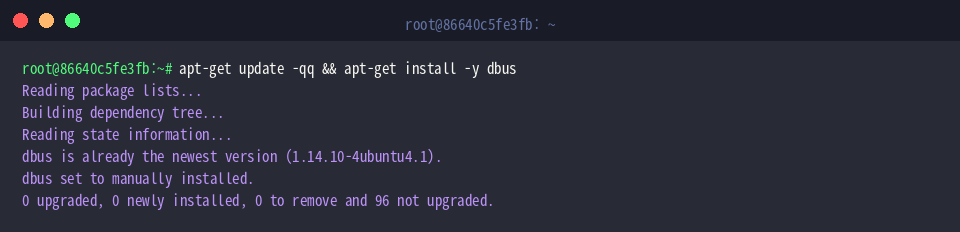
Before dispatching IPC messages, verify that the core D-Bus binary packages are present and fully updated across your Linux distribution.
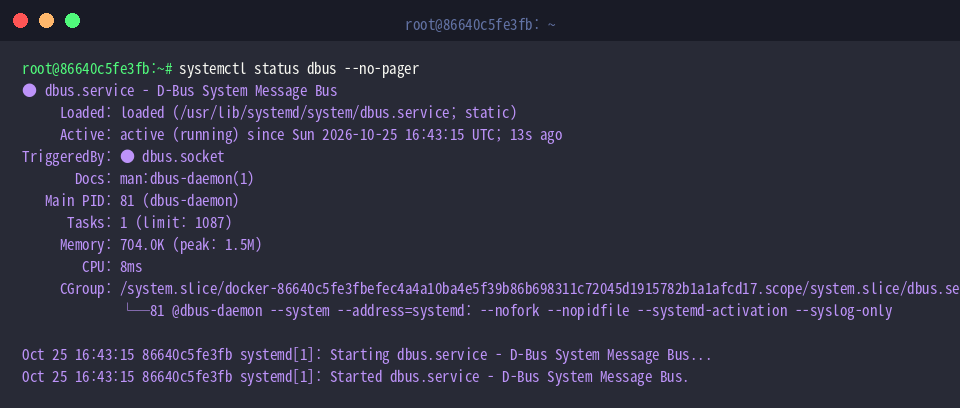
Message routing relies on an active background daemon broker; ensure the service unit is running properly by evaluating systemctl status dbus.
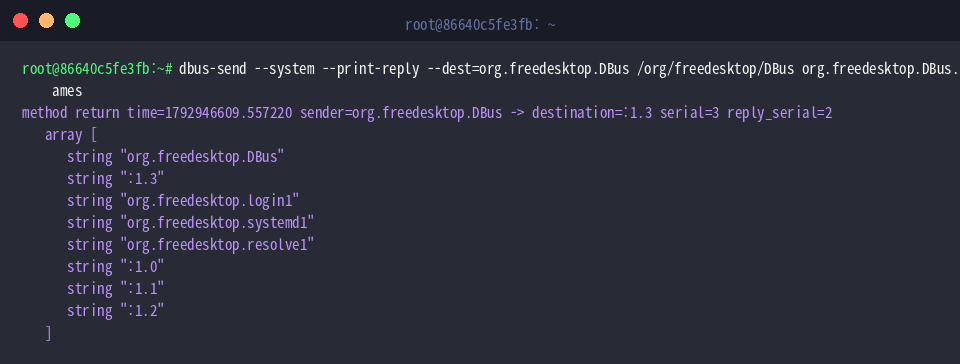
System engineers utilize dbus-send to inject raw RPC calls into the message bus and inspect replies from listening interfaces. To inventory every active peer currently attached to the system bus, invoke the root driver’s built-in ListNames routine on the standard bus controller object.
⚙️ [Key Command Flags]
--system : Directs outbound communication to the global system bus rather than the per-user session bus.--session : Targets the local user login session bus (applied automatically when omitted).--print-reply : Instructs the client to block and render the remote service’s formatted return payload to standard output.--dest=NAME : Identifies the target endpoint by specifying either its unique identifier or its well-known service alias.--type=TYPE : Declares the communication pattern, defaulting to method_call or switching to signal.
Querying Individual and Batch Service Properties
To fetch an isolated runtime attribute—such as machine identity—leverage the standard org.freedesktop.DBus.Properties.Get interface provided by the org.freedesktop.hostname1 daemon to request the Hostname field.
The bus returns the requested string encapsulated inside a dynamic D-Bus variant container, confirming the live node name configured on the OS.

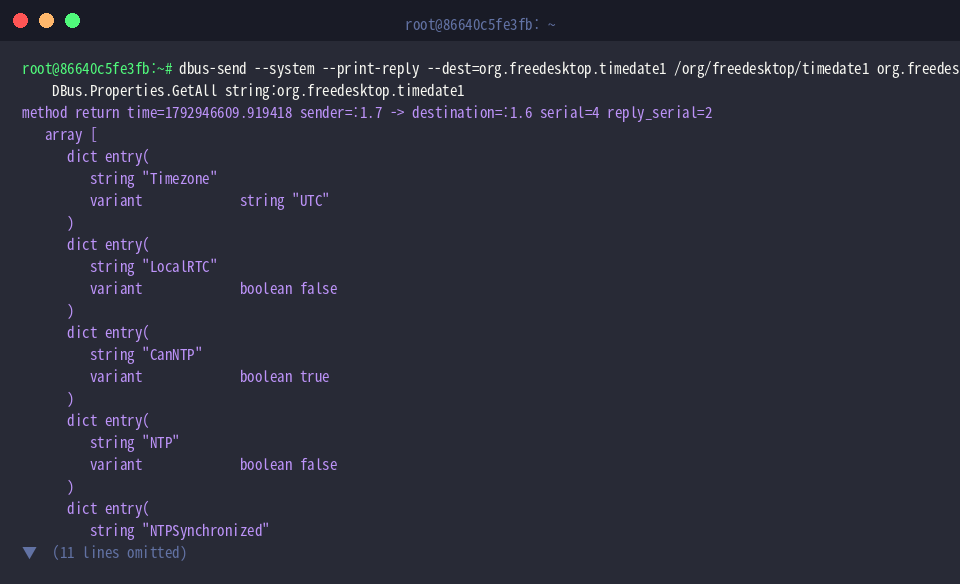
When broader state inspection is required, dispatching org.freedesktop.DBus.Properties.GetAll against the time synchronization service (org.freedesktop.timedate1) extracts all associated configuration parameters in a single round-trip.
The terminal displays an associative array (dictionary entries) encompassing regional time settings like Timezone, hardware clock behavior (LocalRTC), and network time protocol capabilities (CanNTP).
Exploring Remote Object Interfaces via Introspection
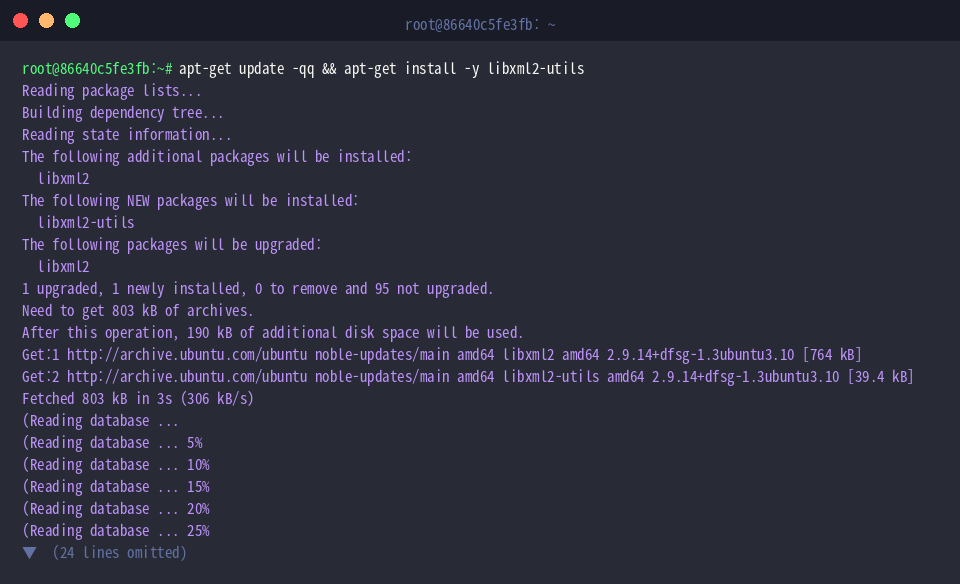
Interrogating unfamiliar endpoints produces machine-readable XML schemas; provisioning the libxml2-utils package supplies handy tools to validate and pretty-print introspection payloads.
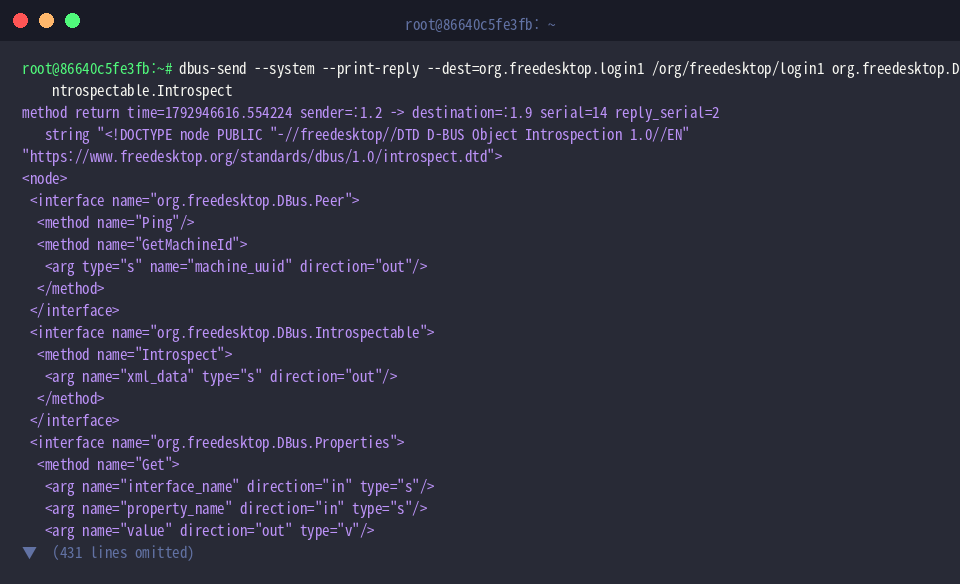
By issuing an org.freedesktop.DBus.Introspectable.Introspect call to org.freedesktop.login1, administrators can dynamically discover every exposed interface, method signature, and supported signal exposed at that object path.
The endpoint responds with a comprehensive XML document detailing data contracts, required input arguments, and expected return types.
Invoking Methods on the systemd-logind Manager
To audit active interactive logins, query the ListSessions method exposed by the org.freedesktop.login1.Manager interface on systemd’s session daemon.
In an isolated automated container or headless instance with no active terminal sessions, the call yields an empty array (array []), confirming no user sessions are presently registered.

Similarly, invoking org.freedesktop.login1.Manager.ListUsers retrieves logged-in user accounts tracked by the manager.
Without interactive sessions running, the returned payload is an empty array (array []); on standard multi-user workstations or production servers, this invocation supplies an array of structs containing target user IDs (UIDs) alongside their corresponding account names.

Exploring D-Bus through purposeful command-line invocations strips away the intimidation often associated with Linux IPC architecture. By adopting dbus-send as a regular administrative troubleshooting tool, you gain deep visibility into running daemons and low-level system services straight from your terminal.